

A Leadership Guide to Using EQuorient™ GPT Lite
Leadership rarely fails in obvious ways.
It erodes quietly when pressure is high, decisions stack, and clarity gets harder to access in real time.
Most leaders don’t need more advice or information.
They need a way to clear interference before it shapes their next decision.
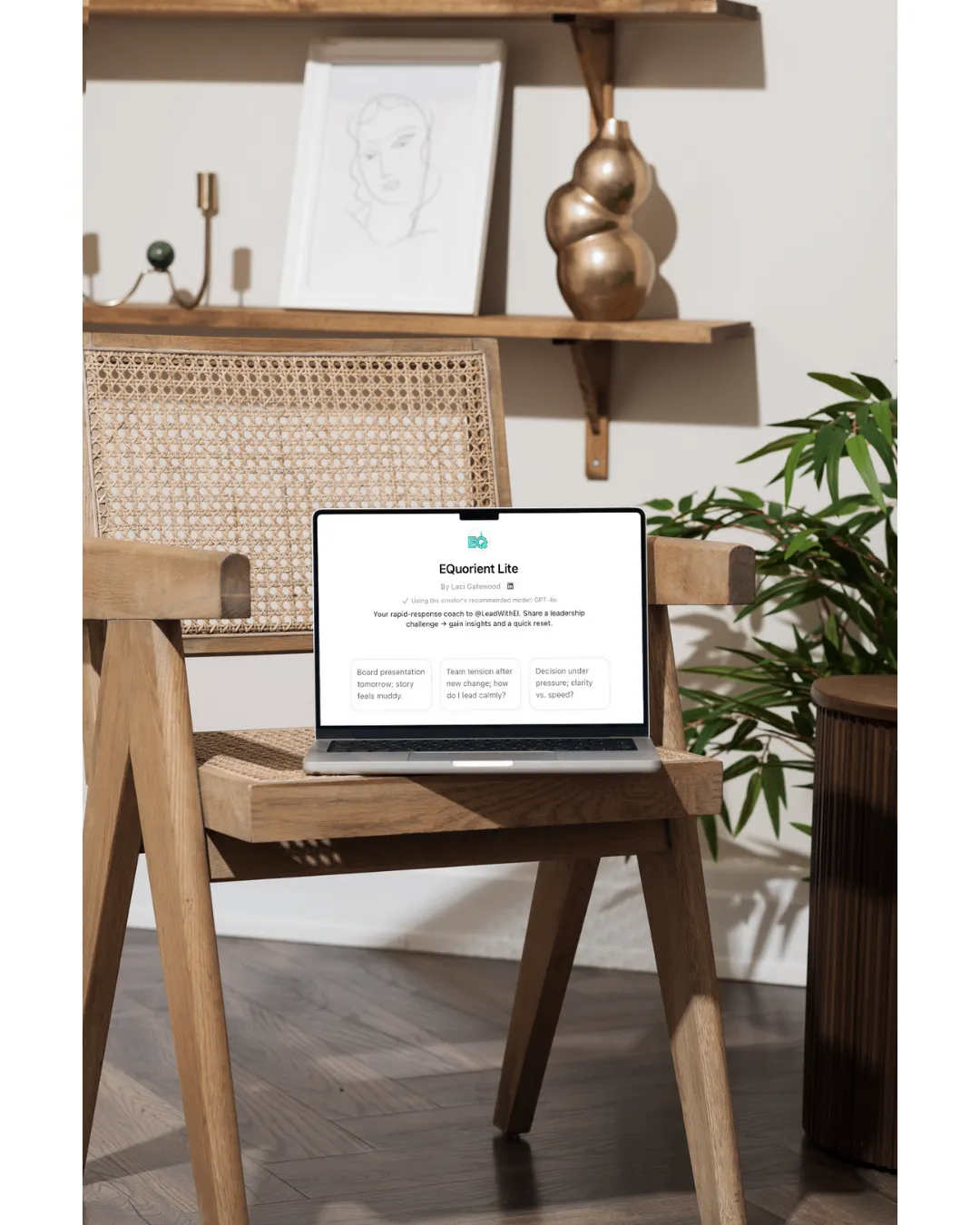
That’s why we created EQuorient™ GPT Lite.
Not as another tool to manage, but as a micro-coaching tool for moments when you’re carrying a lot and thinking harder isn’t helping.
This guide shows when leaders actually use it and how to get value from it quickly, without overthinking the process.
If you lead in complexity, this was built for you.
How to Use EQuorient™ GPT Lite
How leaders use EQuorient™ GPT Lite
An EQ micro-coaching tool for real leadership moments.
Use it when thinking harder isn’t helping and emotional interference is quietly running the room.
Use Case #1: Before a difficult decision
When:
• You feel torn
• Everything feels “urgent”
• Your judgment feels noisy
Use GPT Lite to slow the moment and regain clarity.

Use Case #2: After conflict or a charged interaction
When:
• You’re replaying the conversation
• Emotions linger
• You’re unsure how to respond next
Use it to recalibrate before reacting.

Use Case #3: When you feel off, but can’t name why
When:
• You’re distracted or tense
• Your confidence dips
• Clarity feels just out of reach
Use it to surface what’s interfering.

How to prompt it (simple)
Try starting with:
• “Help me identify interference here.”
• “What values should guide this decision?”
• “I need clarity before I respond.”
(No perfect wording required.)

What it helps you do:
• Name what’s interfering
• Re-anchor to your values
• Reduce decision noise
• Regain composure faster
This isn’t about answers. It’s about calibration.

Leadership is the space between reaction and intention.
That’s the EQuorient™ work.
A Note on Responsible Use
EQuorient™ GPT Lite is designed to support cognitive, emotional, and relational calibration, not to process sensitive data.
Please do not enter:
• Company confidential or proprietary information
• Names of employees, clients, or partners
• Personal identifying details
• Legal, medical, or HR-sensitive information
Use general descriptions instead. You’ll get the same clarity without sharing specifics.
This keeps the tool safe, respectful, and aligned with how leaders operate.